

Toronto & the GTA
Premium IPTV service for Toronto homes — set up properly, supported by people.
Most streaming problems are setup problems. We match the right device and playlist type to your home, wire the main TV correctly, and stay with you until every screen plays. Plans from C$15/month, a free 2-day trial and a 7-day refund policy on paid plans.
In-home installation available across the GTA · No contract · Support by text or phone
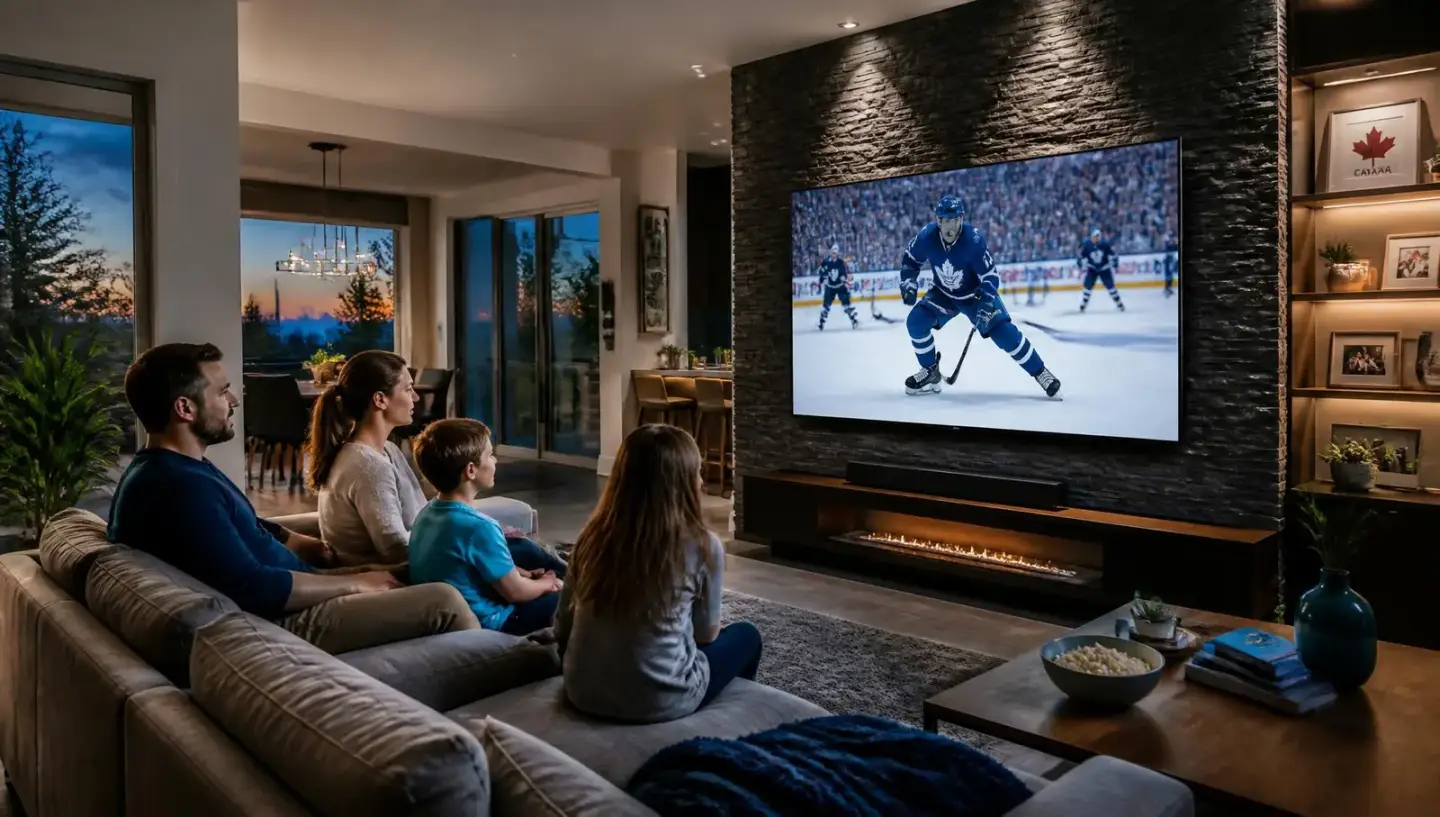
What a properly configured home setup looks like.
Device-matched from the start
We choose the box or app around how you already watch — not the other way around — so the remote in your hand suits the room it's in.
Built for multi-TV households
Living room, primary bedroom, basement, kitchen: we map which screens run at the same time and size the line to match.
The network gets attention too
Wired main TV where possible, sensible Wi-Fi placement for the rest. This is what removes most buffering complaints.
One Toronto number for support
Setup, renewals and questions all go to 416-989-3108. You reach the same team every time.
Getting started
How it works — three steps, no guesswork.
Setup is handled by our Toronto team from the first message through to the first channel on screen.
1. Choose your plan
Monthly C$15, six months C$65 or twelve months C$100. Add extra simultaneous screens for C$10/month each on an Xtream Codes line. Nothing is locked in — the first 7 days of a paid plan are covered by our refund policy.
Compare plans →2. Confirm your device
Tell us what you watch on — Formuler, Firestick, Apple TV, Android TV, Nvidia Shield, LG or Samsung Smart TV, phone or tablet. We confirm the right app and playlist type before you pay, so there are no surprises at setup.
Device setup guides →3. Activate with a person
We send your line details and stay on text or the phone until the first channel plays. Ongoing questions go to the same Toronto number — no ticket queue, no bot.
Contact & support hours →
Setup notes by neighbourhood.
The service is identical everywhere in Canada; the installation isn't. These are the patterns we actually run into across the GTA, and what we plan for before an install.
Yorkville & Annex
Mostly condo and low-rise units on Beanfield or Rogers fibre. Wi-Fi through concrete walls is the usual bottleneck, so we set the main TV on Ethernet or a wired-back access point and keep tablets on 5 GHz.
Rosedale & Moore Park
Older houses with thick plaster and long cable runs. We normally plan one Formuler box in the family room plus app-based logins upstairs, rather than fighting a single router from the basement.
Forest Hill & Lawrence Park
Three- and four-TV households are common here. An Xtream Codes line with extra simultaneous screens is usually simpler than one box per room, and we walk through which rooms need hardware.
The Bridle Path & York Mills
Large floorplates where mesh coverage matters more than raw internet speed. We test the furthest TV first, because that is where buffering shows up if a node is weak.
The Kingsway & Etobicoke
Frequent mix of a main TV, a basement theatre and a garage or patio screen. We confirm how many screens run at the same time before you pick a plan, so you don't pay for screens you never use.
Leaside & Davisville
Semi-detached homes where the router sits at the front and the TV at the back. A powerline or wired run to the media console fixes far more than upgrading the plan does.
Oakville & Burlington
Bell and Rogers fibre are widely available and more than sufficient. Households here often want sports on the main TV and kids' or international content on secondary screens at the same time.
Kleinburg & Vaughan
Newer builds usually have structured wiring in the walls — we use it. If the media panel is already run to each room, one box plus wired screens is the cleanest setup.
Richmond Hill & Markham
Strong demand for multilingual line-ups alongside NHL and Premier League coverage. Tell us which languages matter and we check availability against the package before you pay.
Elsewhere in the region? See IPTV by Canadian city or IPTV in downtown Toronto. For the full city overview — connections, devices and local support — read our Toronto IPTV service page.
Works with the screens you already own.
Tell us the make and model of each TV or box before you order anything. If a device isn't a good fit we say so — it saves both of us a support call later.
Formuler Z10 / Z11 / Z12
The most hands-off option: MYTVOnline handles the portal, the remote is built for live TV, and the box sits on Ethernet behind the TV. Best for a main living-room or theatre screen.
Formuler boxes →LG & Samsung Smart TVs
No extra hardware. We install a supported player app from your TV's store and sign in with your Xtream Codes details. Third-party player subscriptions are billed by that app's developer, not by us.
Smart TV setup →Fire TV Stick & Android TV
Inexpensive way to add a bedroom, basement or cottage screen. Same login as your main line if you're on Xtream Codes with an extra simultaneous connection.
Apps & players →Apple TV, Nvidia Shield, phones & tablets
Good for households that already live in one ecosystem, and for watching in the kitchen or on the patio. We confirm the right player app for each before activation.
Phone & tablet →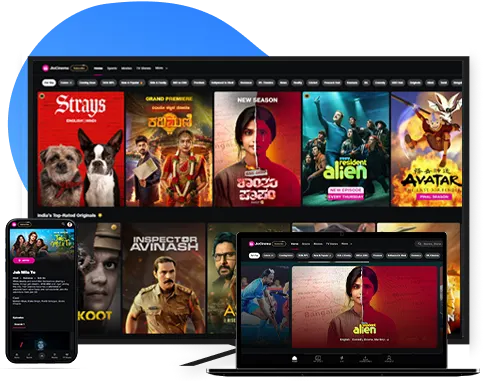
Important — multi-device is Xtream Codes only
One subscription on several screens works with Xtream Codes, not Stalker Portal.
Xtream Codes (app login)
Think of it like a Netflix username and password. You sign in on your Firestick, phone, tablet, laptop or Smart TV. One subscription can cover several devices — you just pay for how many people watch at the same time (each simultaneous stream is an extra device on your plan).
Stalker Portal (box only)
Think of it like a cable box. The line is locked to one box's MAC address — a Formuler or MAG sitting under your TV. It is not a username you can type into a phone app, so a Stalker line is one box at a time. Want a second room? That needs a second box and a second line.
Not sure which one you have? Text us and we'll tell you in one message — most households on phones and Firesticks want Xtream Codes; Formuler/MAG owners usually want Stalker.
Which plan suits a multi-TV home?
One main TV
C$100 / 12 months
A single simultaneous stream. Best if one screen is on at a time — effectively C$8.33 a month.
Text us about this optionTwo or three screens
C$100 + C$10/mo per extra screen
Xtream Codes line with additional simultaneous connections, so sport in the living room and something else upstairs can run together.
Text us about this optionNew hardware included
C$280
Formuler Z10 Pro with twelve months of service, including a two-year replacement warranty on the box.
Text us about this optionComparing providers first? Read what to look for in a Canadian IPTV provider. Prefer to work the numbers out yourself? Use the pricing calculator or see all plans side by side.
Questions we get before people order.
What internet speed do I actually need?+
For a single HD stream, most Canadian home plans are already fine. For 4K on the main TV plus a second screen, plan for a stable connection and, more importantly, a wired or strong Wi-Fi signal at the TV. In our experience the router-to-TV path causes far more buffering than the internet plan does.
Can I run more than one TV at the same time?+
On an Xtream Codes line, yes — the base plan covers one simultaneous stream and each additional simultaneous screen is C$10/month. A Stalker Portal line is tied to a single box, so a second room needs its own box and its own line.
Do you set it up for me?+
We guide the setup by text or phone from the first message until the first channel plays, and we offer in-home installation in the GTA. Book it with us before you order hardware so we can confirm what your rooms need.
What do the plans cost?+
Monthly is C$15, six months is C$65 and twelve months is C$100. A Formuler Z10 Pro bundled with twelve months is C$280. Extra simultaneous screens on Xtream Codes are C$10/month each.
How do I pay?+
See our payment methods page for the current options. There is no contract and no automatic long-term commitment — you renew when your term ends.
What if it isn't right for my home?+
The first 7 days of a paid plan are covered by our refund policy, and there is a free 2-day trial before that so you can test your own devices and your own internet first.
Can I watch while travelling?+
Availability outside your home network varies by package and by the network you are on, so we ask you to test it during the trial rather than promising it up front.
Who do I contact after I'm set up?+
The same Toronto number you started with: 416-989-3108. Support is by text or phone with our own team, not an offshore ticket queue.
Also useful: refund policy, payment methods, terms and privacy.